
Configuring the input component
-
Double-click the tFixedFlowInput component to open its
basic settings.
-
Click the […] button next to Edit
schema and use the [+] button in the
dialog box to add columns.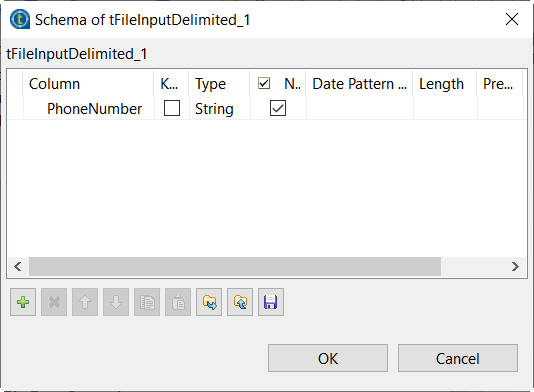
In this example, four columns are added.
-
In the Mode area of the Component
view, select Use Inline Content (delimited file) to
display the Content field. -
In the Content table, enter the data you
want to encrypt.1234567HENRY;ACHIM;61571;12-12-1945GRAHAM;ADAH;13231;02-11-1988JENKINS;PAUL;16899;01-08-1999LIMA;ADALBERT;60882;20-10-2000ALVAREZ;OCTAVIA;2150;18-09-1962WEBB;ERIK;33697;09-09-1977
Parent topic: Encrypting and decrypting back sensitive data
Document get from Talend https://help.talend.com
Thank you for watching.


 Users Today : 3
 Users Yesterday : 4
 This Month : 166
 This Year : 4556
 Total Users : 21810
 Views Today : 2125
 Total views : 72105
 Who's Online : 1