
Configuring the input component
You retrieved the tJapaneseTransliterate_standard_scenario.zip
file.
-
Double-click tFixedFlowInput to open its
Basic settings view in the
Component tab.
-
Click the Edit schema button to define the columns of
the source dataset and their data type. -
Click the [+] button to add the schema columns.
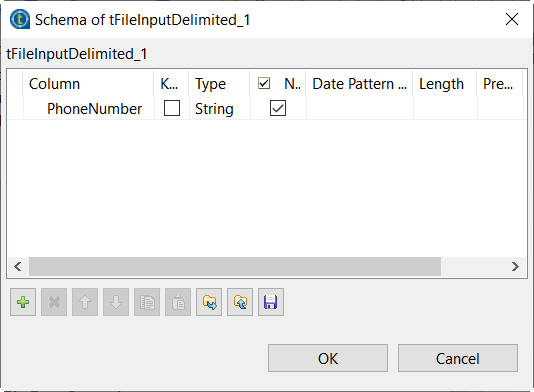
In this example, the input schema is made of six columns to show the ways
to transliterate supported by the
tJapaneseTransliterate component. -
Click OK to validate these changes and accept the
propagation when prompted. -
In the Mode area, select Use Inline
Content(delimited file). -
Define the characters to be used as Row Separator and
Field Separator. -
In the Content field, enter the input data.
In this example, the input sentences in Japanese are duplicated in each of the
input columns.
Parent topic: Transliterating Japanese text
Document get from Talend https://help.talend.com
Thank you for watching.


 Users Today : 39
 Users Yesterday : 39
 This Month : 423
 This Year : 3774
 Total Users : 21028
 Views Today : 1367
 Total views : 59212
 Who's Online : 1